Amazon · Flipkart · Myntra · Meesho
Jewellery photo with white background for Amazon, Flipkart, Myntra and Meesho
Every Indian marketplace wants a clean main image, but each states its rules differently, and some keep them behind a seller login. This guide collects what each marketplace publishes about jewellery images, links to the official page for every rule we could verify, and marks what we could not.
5 Looks free. No card. Prices in ₹ on the pricing page.
Last updated · By Shubham Gautam, founder of GehnaLab
Short answer
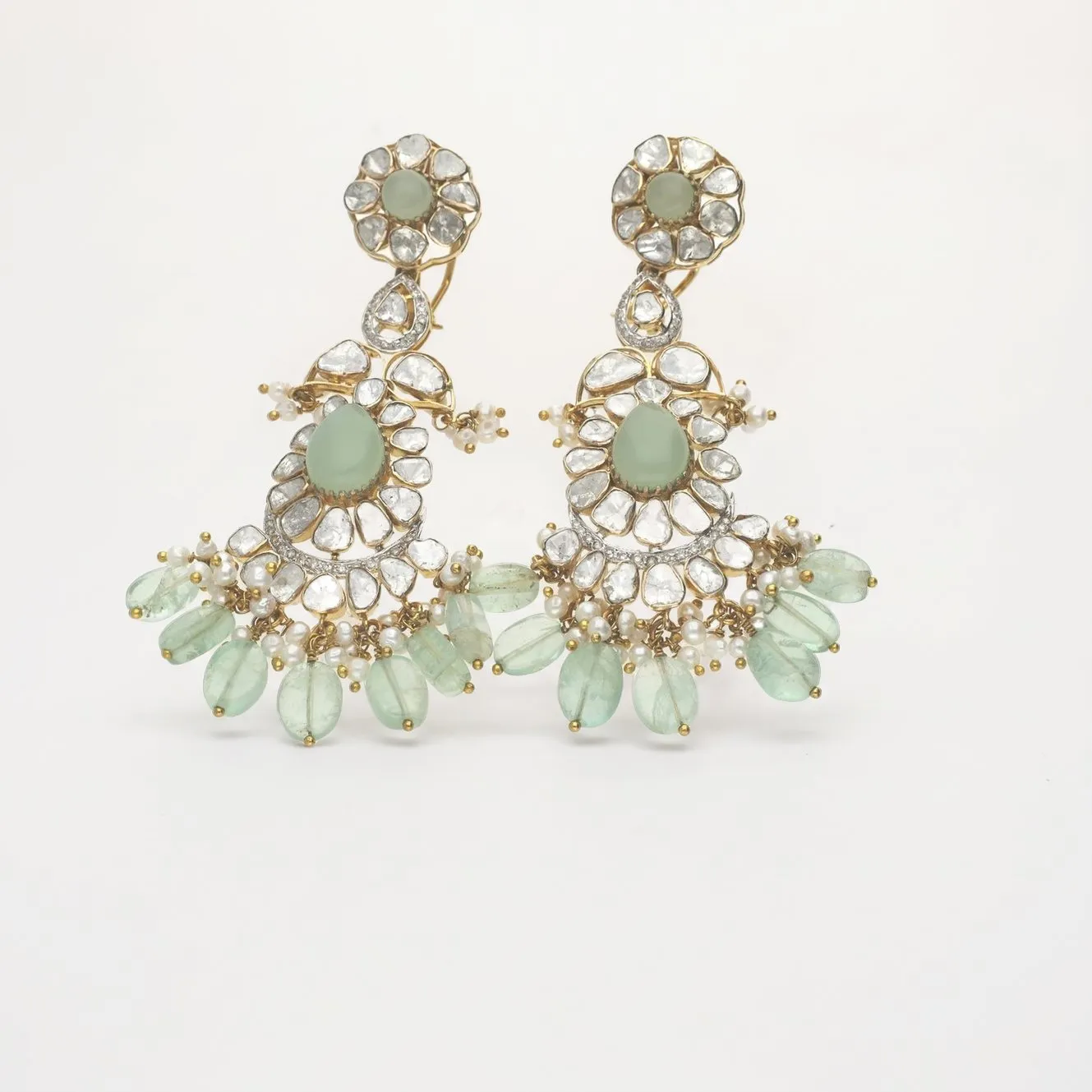
For Amazon.in, Flipkart, Myntra and Meesho, a jewellery main image needs a pure white background (RGB 255, 255, 255), the piece filling about 85% of the frame, at least 1000 px on the longest side, and no text, props or models. Rules differ by marketplace and change, so check each official page before uploading.
Key facts
- Background: pure white, RGB 255, 255, 255.
- Fill: about 85–90% of the frame, nothing cut off.
- Size: 1000 px or more on the longest side; GehnaLab delivers 2000 px.
- No text, logos, watermarks, props or models in the main image.
- Amazon requires tagging photorealistic AI people with contains-synthetic-performer.
The short version
- Pure white background, RGB 255, 255, 255, for the main image. No grey, no cream, no gradient.
- The piece fills most of the frame: about 85% on Amazon.in. Nothing cut off at the edges.
- At least 1000 px on the longest side so buyers can zoom. We deliver 2000 px.
- No text, logos, watermarks, price tags, borders or props in the main image.
- One product per main image. For a set, show all its pieces together.
- Model shots, close-ups and lifestyle images go in the secondary slots, not the main one.
Rules change. Before you upload a large catalogue, check the official page linked below for your marketplace and category.
Amazon.in
Amazon publishes its rules openly, and they are the strictest and most detailed of the four. The general product image page on Seller Central India says the main image must:
- have a pure white background, RGB 255, 255, 255;
- show the product as 85% of the image, with the entire product in the frame;
- show the product once, with only what is included in the sale, and no props;
- be at least 500 px and at most 10,000 px on the longest side, with 1,000 px or more recommended because that enables zoom;
- be JPEG (recommended), TIFF, PNG or non-animated GIF, in RGB.
Amazon also links category style guides from Seller Central India. The Jewellery style guide asks for at least 1000 px on the longest side, the product filling 80% to 90% of the image, a 100% white background, no text or watermarks, and no coloured backgrounds, lifestyle pictures or models in the main image. It also notes that a part-crop of a necklace cannot be the main image. The Fashion Jewellery guide asks for the product to fill 90%, a main image shot on a flat surface, and four images per product: front, back, a detail of the clasp, and a model shot facing the camera.
Two newer points matter for anyone using AI. First, Amazon says that if an image contains photorealistic AI-generated people, you must tag it by adding the keyword contains-synthetic-performer to the image's XMP dc:subject field. Second, Amazon is experimenting with adding neutral coloured backgrounds to main images in Apparel, Shoes and Jewellery on its own, but still requires you to upload a white one.
Where these pages disagree on fill (85%, 80–90% or 90%) or minimum size (500 or 1000 px), aim for the stricter number: 1000 px or more and about 85–90% fill. That satisfies all of them.
- Amazon Seller Central India: Product image requirements
- Amazon Seller Central India: Category style guides
- Amazon India Jewellery style guide (PDF, linked from Seller Central)
- Amazon Fashion Jewellery style guide (PDF, linked from Seller Central)
- Amazon Seller Central India: Colour backgrounds in fashion main images
Flipkart
Flipkart's detailed image specifications are inside Seller Hub and need a seller login. Its public seller blog says to upload high-resolution product images on a white background, add lifestyle shots where possible, show multiple angles, and expect the QC team to review images before a listing goes live.
Integration partners that list products on Flipkart for sellers publish more detail: at least 1000 × 1000 px, JPEG only, a white or light grey background, a single product without props, and no text, watermarks, price tags or stickers. We could not confirm these on a Flipkart page, so check them in Seller Hub before a big upload.
Myntra
Myntra shares category image guidelines with sellers through its Partner Portal, which needs a login. Myntra's old public seller university site is no longer online.
Integration partners widely report Myntra images at 1080 × 1440 px or larger in a 3:4 portrait ratio, JPEG, on white or light grey, with no text or watermarks. Treat this as a starting point and confirm it in the Partner Portal's SKU sheet for jewellery. Note the ratio: a square marketplace image will need extra white space added at the top and bottom, which is easy to do without touching the piece.
Meesho
Meesho's supplier page for jewellery asks for a clear front image of the jewellery, recommends adding more than one image, and says to upload JPEG images without any logo or watermark, without partial product images, and without props. Meesho's supplier learning hub also says images go through a quality check before a catalogue goes live.
We did not find a white-background rule or pixel dimensions on an official Meesho page. A white main image meets every rule Meesho does publish and keeps your catalogue consistent with your other marketplaces.
Getting a true white background from a phone photo
Shooting on white paper does not give you a white background. Phone cameras expose for the piece, so the paper comes out light grey, often with a blue or yellow tint and a hard shadow. A marketplace QC check or a buyer's eye catches it at once.
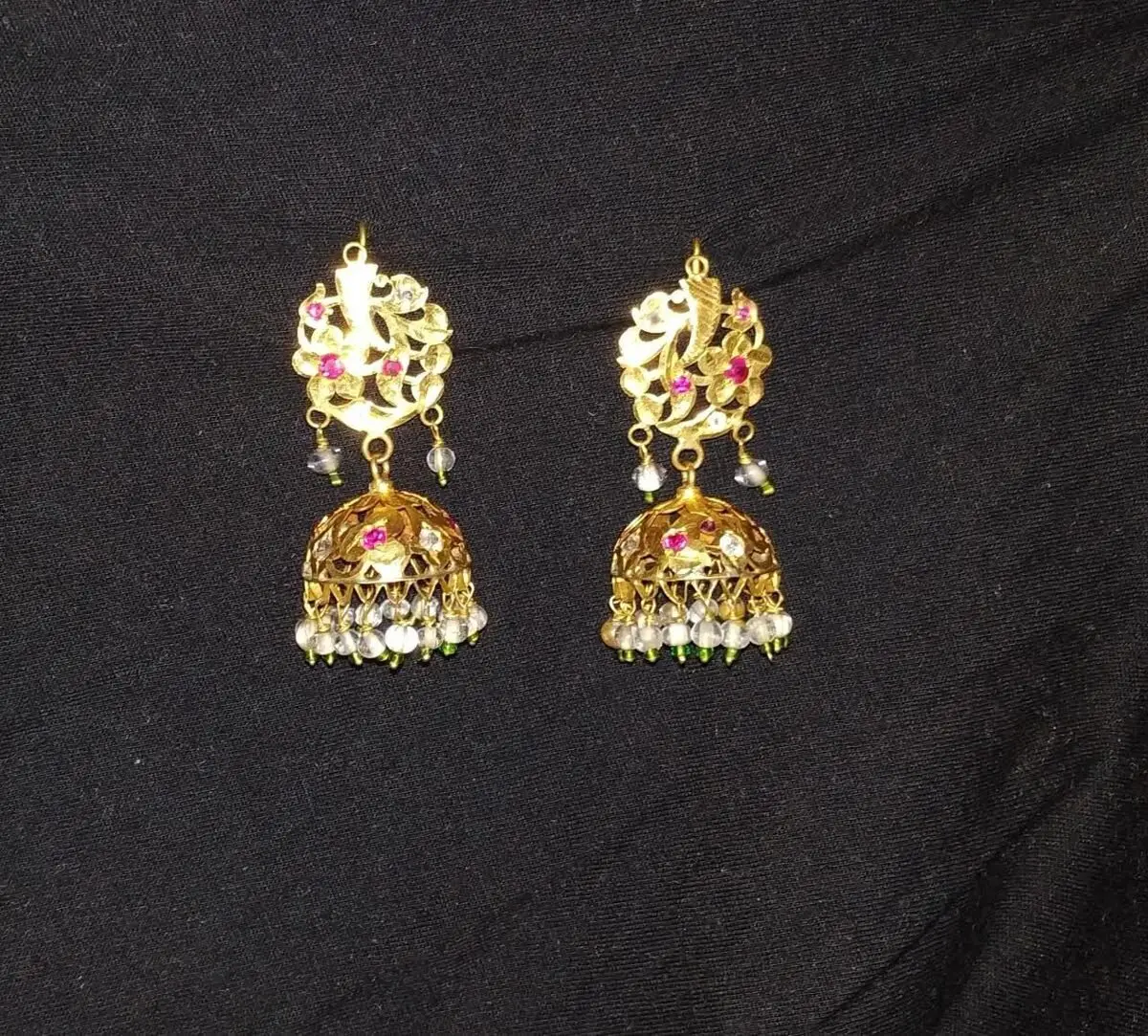
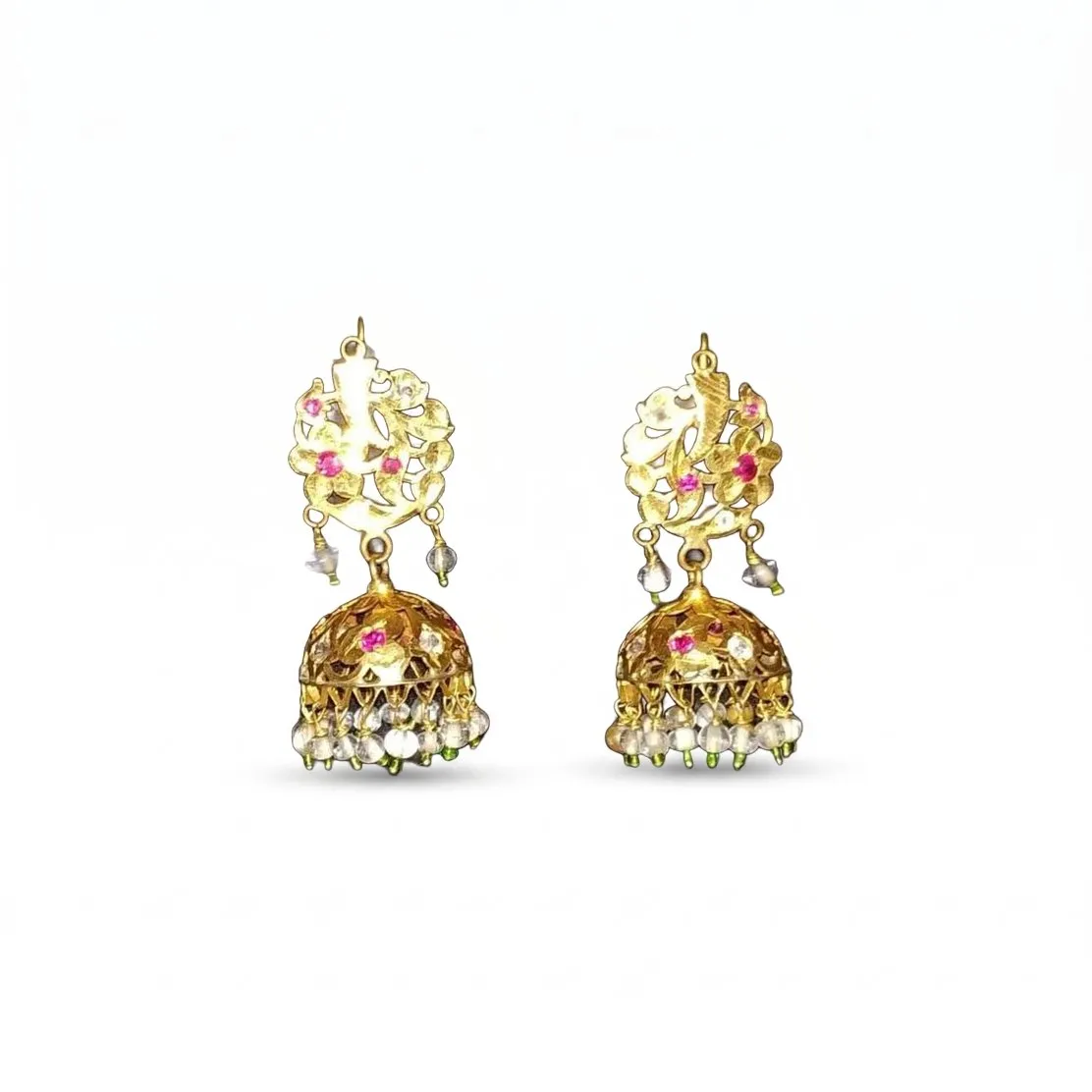
GehnaLab's Marketplace White Look cuts the piece out of your photo, places it on pure white with a soft contact shadow, centres it and scales it to fill most of the frame, then exports a 2000 px square. The piece itself is not redrawn: its pixels are your photo's, and every image is checked against your upload before you see it. Images that pass carry a Piece unchanged mark.
If you only need the white image, a cleanup costs about ₹12 an image. If you also want styled scenes for your website and Instagram, pick a Look such as Stone, Velvet or Festive; each returns 3 options to choose from. See pricing or try the demo first.
Common reasons jewellery images get rejected
- Off-white or grey background, often from shooting on paper or a light tent.
- Piece too small in the frame, or cropped at the edge.
- Velvet tray, box or bust visible in the main image.
- Shop logo, watermark or price added as text.
- Several different pieces in one main image.
- A model shot used as the main image. Use it in a secondary slot; see the model photoshoot guide.
For a whole collection, the catalogue guide covers shot lists and naming. For styled images on social, see Instagram and WhatsApp.
Last updated
Questions jewellers ask
What background colour does Amazon.in require for jewellery?
Pure white, RGB 255, 255, 255, for the main image. Coloured and lifestyle backgrounds are allowed only in the other image slots.
What size should a jewellery image be for Amazon and Flipkart?
At least 1000 px on the longest side, which enables zoom on Amazon. GehnaLab's Marketplace White images are 2000 px square.
Can I use an AI model image on Amazon?
Not as the main image. In other slots, Amazon requires images with photorealistic AI-generated people to be tagged contains-synthetic-performer in the image's XMP metadata.
Does Myntra accept square images?
Myntra is widely reported to use a 3:4 portrait ratio, such as 1080 × 1440 px. Confirm in the Partner Portal and pad a square image with white space if needed.
Amazon ke liye jewellery photo ka background kaisa hona chahiye?
Main image ka background bilkul safed (RGB 255, 255, 255) hona chahiye, piece frame ka lagbhag 85% bhare, aur koi text ya logo na ho.
Photograph one piece today
Upload a phone photo, pick a Look, and download images checked against your original. See pricing.