Instagram · WhatsApp
Jewellery photos for Instagram and WhatsApp that customers stop for
For many jewellery shops in India, Instagram DMs and WhatsApp bring more enquiries than the website does. Those channels reward a steady flow of good images, not one perfect shoot a year. This guide covers what to post, at what size, and how to make a week of images from a few phone photos.
5 Looks free. No card. Prices in ₹ on the pricing page.
Last updated · By Shubham Gautam, founder of GehnaLab
Short answer
Jewellery photos for Instagram work best as 4:5 portrait posts at 1080 × 1350 px and 9:16 stories at 1080 × 1920 px, posted steadily rather than in one big shoot. Show the piece worn, in a styled scene and in close-up. On WhatsApp, send images as documents so customers receive them at full quality.
Key facts
- Feed post: 4:5, 1080 × 1350 px.
- Story, reel cover and WhatsApp status: 9:16, 1080 × 1920 px.
- WhatsApp Business catalogue: the square white image.
- Send photos as documents on WhatsApp to avoid compression.
- Accurate images reduce returns from social orders.
What works for jewellery on Instagram
Instagram buyers decide in a second whether to stop. For jewellery, three kinds of image earn that second: a worn shot that shows scale, a close-up that shows craft, and a styled scene that sets a mood for an occasion. Plain white product shots work on marketplaces but look like an advertisement in a feed.
- Carousels beat single posts for jewellery. Open with the styled scene, follow with a close-up and the white image, and end with a price or a 'DM to order' card.
- Keep a consistent background family across a collection. A grid where every post has a different colour cast looks like a reseller, not a jeweller.
- Post festive scenes two to three weeks before the festival, not on the day. Akshaya Tritiya, Dhanteras and the wedding season are when customers plan.
Sizes that fit each placement
| Placement | Shape | Pixels |
|---|---|---|
| Instagram feed post | 4:5 portrait | 1080 × 1350 |
| Instagram story and reel cover | 9:16 | 1080 × 1920 |
| WhatsApp status | 9:16 | 1080 × 1920 |
| WhatsApp Business catalogue | Square | Use the square white image |
| Marketplace main image | Square, white | See the white background guide |
Every GehnaLab Look returns a 9:16 story image and 4:5 scenes alongside a square white image, so one upload covers all of these without cropping.
WhatsApp compresses photos sent in a chat. When a customer asks for a clear picture, send the image as a document instead, so the file reaches them at full quality.
A week of posts from three phone photos
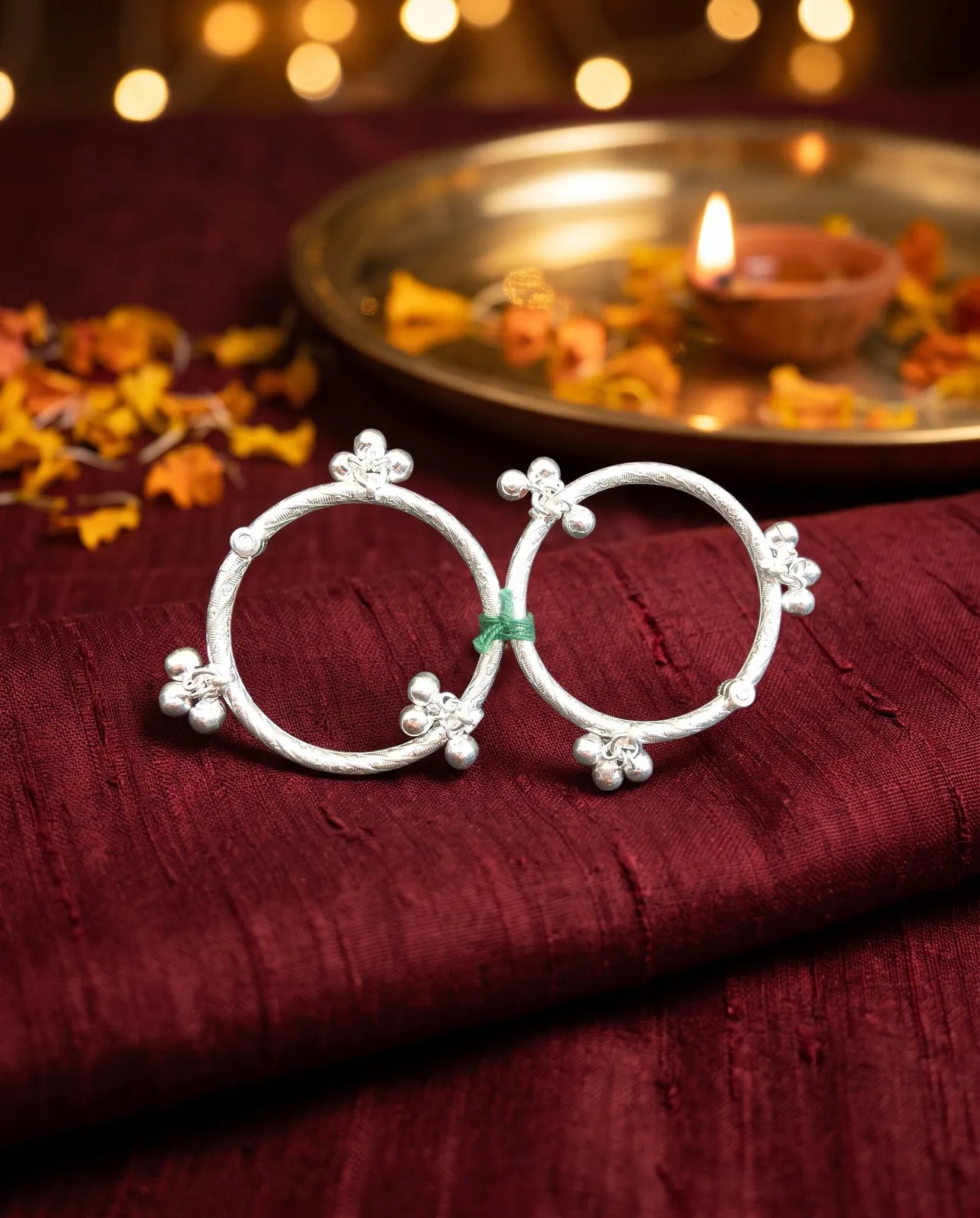
Say three pieces came in this week: a pair of silver payals, a gold ring set and a carved kada. Photograph each once at the window. Then:
- Monday: Daily Wear scene of the payals as a feed post, with price in the caption.
- Tuesday: story with the 9:16 image of the rings and a poll sticker asking which one viewers prefer.
- Wednesday: carousel of the kada in Festive, then the white image, then a close-up.
- Thursday: WhatsApp status with all three pieces, linking to your catalogue.
- Friday: reel cover using the Festive image, with a short video of the kada turning in your hand.
- Saturday: add all three pieces to the WhatsApp Business catalogue with the square white image.
Why accurate images matter more on social
On Instagram and WhatsApp, the customer usually orders from the photo and pays before seeing the piece. If the photo was edited until the stones changed colour or the gold turned brighter, the result is a return, a bad review or an argument on WhatsApp.
Many AI filters and editing apps redraw jewellery to make it look shinier. GehnaLab does the opposite. The scene is AI, the piece is your photo. Every image is compared with your upload, and only images where the piece matches carry the Piece unchanged mark. You can post with confidence that what the customer sees is what arrives.
This is also why you should keep the AI look images for mood. If a story image was redrawn, it is labelled, and you can use it for atmosphere rather than for a specific product.
Captions and hashtags that bring buyers
- Lead with the piece name, metal and weight or price range: '22k gold temple jhumka, 14 g'. Buyers search Instagram for exactly these words.
- Add your city. Many customers want to visit before buying gold, and 'Jaipur' or 'Coimbatore' in the caption helps them find you.
- Use a handful of specific hashtags, such as #kundanjewellery, #templejewellery or #bridaljewellery, rather than thirty generic ones.
- End with one clear action: DM, WhatsApp number or 'link in bio'.
For heavier bridal pieces, see the model photoshoot guide. For a full lookbook or PDF, see catalogue photos. Plans start with 5 free Looks; the pricing page has the rest.
Last updated
Questions jewellers ask
What size should jewellery photos be for Instagram?
Use 4:5 portrait (1080 × 1350 px) for feed posts and 9:16 (1080 × 1920 px) for stories and reel covers. GehnaLab returns both from one upload.
How do I send clear jewellery photos on WhatsApp?
Attach the image as a document instead of a photo. WhatsApp compresses photos sent in chat, which softens stones and gold.
Can I use the same image on Instagram and Amazon?
Usually not as the main image. Marketplaces want a plain white background; Instagram rewards styled scenes. Each GehnaLab Look includes both.
Instagram ke liye jewellery photo kaise banayein?
Khidki ki roshni mein phone se ek saaf photo lijiye, GehnaLab par upload kijiye aur Daily Wear ya Festive Look chuniye. 4:5 aur story size dono mil jaate hain.
Do AI images get less reach on Instagram?
Instagram may label content made or edited with AI. Reach depends on how people engage with the post. Accurate, well-lit images of real pieces tend to get saves and enquiries.
Photograph one piece today
Upload a phone photo, pick a Look, and download images checked against your original. See pricing.